Downloading and Installing Infinity Creator
Welcome to the Infinity Creator installation guide. Follow these steps to set up the software.
Step 1: Download the Installer
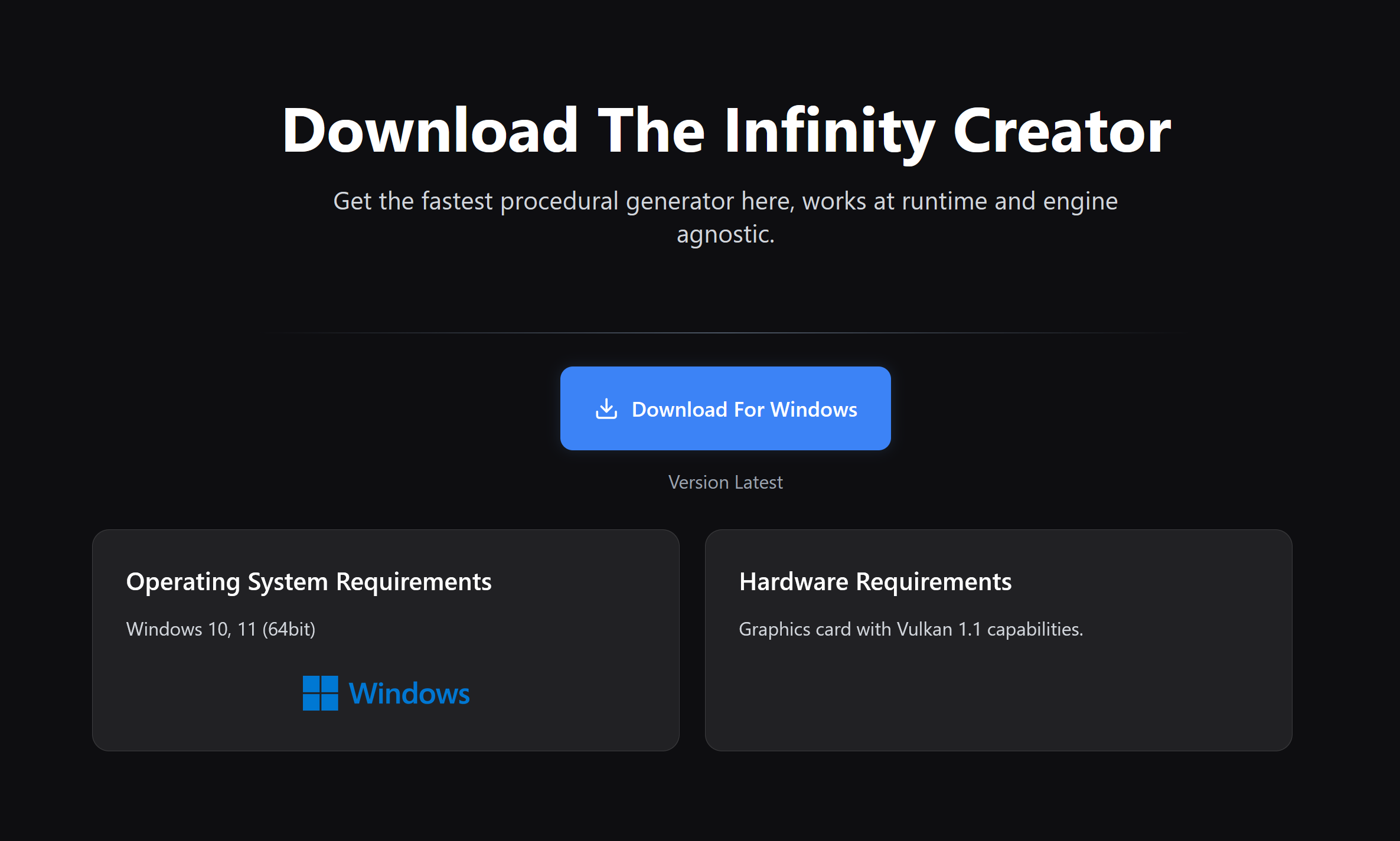
Click the link to download the latest version of the Infinity Creator: Download latest version.
Ensure your system meets the System Requirements.
Step 2: Run the Installer
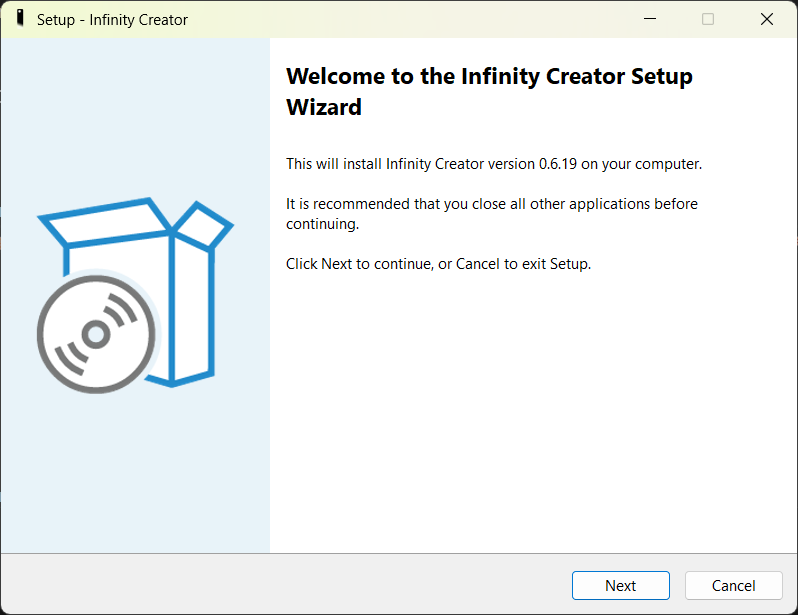
- Locate the downloaded file (
InfinityCreatorSetup.exe). - Double-click to open it.
- If asked if you want to run it, click "More Info", then "Run Anyway".
- Click "Yes" to any system prompts.
Step 3: Installation Process
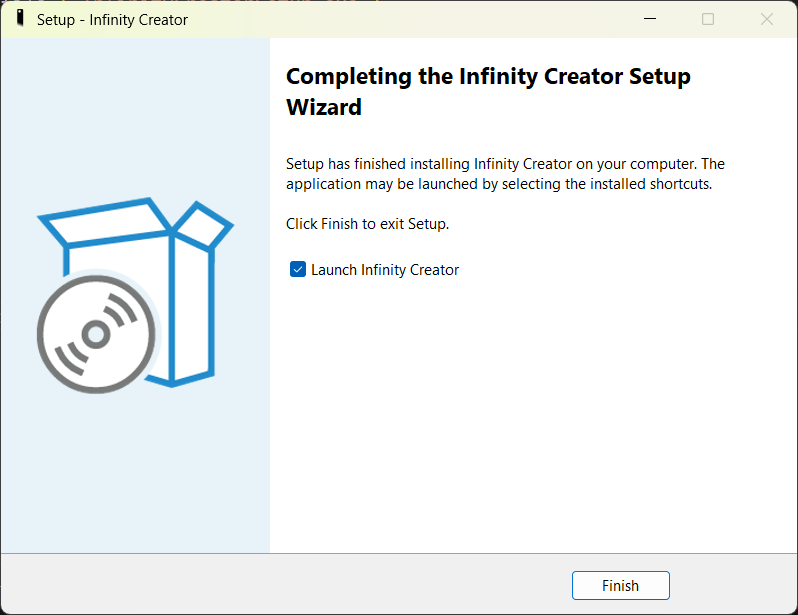
- Click "Next" to begin.
- Choose your installation directory (default:
C:\Program Files\Infinity Creator). - Click "Install" and wait for the setup to complete.
- Once finished, click "Finish" to exit.